Rent Reconciliation Tools: All to Know
Get expert property management insights, straight to your inbox.
Rent reconciliation determines whether the numbers in your reports reflect what actually happened in your properties. When tenant payments, lease charges, and bank deposits do not align, financial statements become unreliable.
In 2026, rent reconciliation tools are essential for maintaining financial integrity for property managers and landlords. As portfolios grow and transactions increase, manual matching creates risk. Software that integrates with property management software and payment processors keeps records aligned and reduces reconciliation errors.
This guide explains what rent reconciliation is, how it differs from bank reconciliation, the step-by-step process, common mistakes, software options in the USA, and when automation becomes necessary.
If your goal is clean reporting, fewer disputes, and stronger tax readiness, understanding rent reconciliation is not optional.
What is Rent Reconciliation?
Rent reconciliation is the process of matching rent payments received from a tenant with the deposits recorded in a landlord’s bank account and the entries in their accounting software.
In simple terms, it answers one question: Does the money collected match what was supposed to be paid under the lease agreement?
Property managers and landlords perform rent reconciliation to confirm that:
- The tenant paid the correct amount
- Payments align with the lease terms
- Late fees or adjustments were applied properly
- Deposits match actual bank records
- No transactions were missed or duplicated
Without reconciliation, discrepancies can go unnoticed. A missed payment, bounced transfer, or double entry can distort cash flow reporting and weaken financial visibility for real estate investors.
Modern rent reconciliation tools automate the matching of rent payments with bank deposits. Real-time automated bank feeds reduce manual data entry and help prevent errors.
Accurate reconciliation also supports expense tracking. When rental income is verified and categorized correctly, landlords can produce reliable financial reports and maintain clean records throughout the year. Automated systems organize income and expenses into tax-ready categories, which improves tax preparation and protects deductions.
For landlords managing multiple properties, regular reconciliation is not optional. It is the control mechanism that ensures financial reporting is reliable and aligned with real cash movements.
What is Bank Reconciliation?
Bank reconciliation is the process of matching the transactions recorded in your accounting system with the transactions shown in your bank account.
For property managers and landlords, this usually means verifying that rent payments from tenants, lease expenses, and other entries match actual bank deposits and withdrawals.
The purpose is simple: confirm that records reflect real cash movement.
When bank reconciliation is done regularly, it helps identify:
- Missed rent payments
- Duplicate charges
- Incorrect deposits
- Recording errors tied to lease terms
Automated tools now match imported bank transactions to tenant ledgers and flag unmatched items for review. This reduces common manual-entry mistakes, such as typos or double postings.
Regular reconciliation protects financial accuracy and supports clean reporting. Without it, errors can sit unnoticed and affect cash flow visibility, reporting, and decision-making for landlords managing multiple properties.
Rent Reconciliation vs Bank Reconciliation
Rent reconciliation and bank reconciliation are related, but they solve different problems.
Rent reconciliation focuses on matching what a tenant was supposed to pay with what was actually paid. Bank reconciliation focuses on matching what your system says happened with what your bank account shows.
Landlords usually need both. One verifies lease-based obligations. The other verifies actual cash movement.
| Criteria | Rent Reconciliation | Bank Reconciliation |
|---|---|---|
| Definition | Matches tenant rent payments to lease terms and expected charges | Matches accounting records to actual bank account transactions |
| Primary focus | Verifying tenant payments and rental charges | Verifying cash deposits and withdrawals |
| Who does it impact most | Tenants and landlords reviewing rent accuracy | Landlords reviewing financial accuracy |
| What it catches | Missed rent, bounced payments, incorrect charges | Duplicate entries, missing deposits, bank errors |
| When you need it | Monthly, before financial reporting | Monthly or weekly, before closing books |
| Data compared | Lease agreements, rent ledgers, and tenant balances | Accounting ledger vs bank statement |
| Common tools used | Rent reconciliation tools, landlord accounting software | Bank feeds, accounting software reconciliation features |
Rent reconciliation ensures the tenant pays in accordance with the lease agreement. If a tenant underpays, overpays, or applies a payment incorrectly, this process identifies it.
Bank reconciliation confirms that those recorded payments actually reached the landlord’s bank account. Real-time automated bank feeds help match transactions quickly and reduce manual entry errors.
Without rent reconciliation, landlords may miss incorrect charges or unpaid rent. Without bank reconciliation, recorded income might not reflect actual cash. Both processes protect financial integrity.
One validates tenant obligations. The other validates recorded transactions.
When used together, they give landlords confidence that lease-based charges, tenant payments, and bank records align.
How Rent Reconciliation Affects Financial Reporting
Rent reconciliation directly influences the accuracy of financial reporting for landlords. If tenant payments are not matched correctly to lease obligations, every downstream report, profit and loss statement, tax filing, and cash flow summary will reflect distorted numbers.
When reconciliation is handled properly, financial reports reflect real activity. When it is ignored, reporting becomes unreliable.
Here’s how rent reconciliation affects financial reporting:
- Ensures recorded rental income matches tenant payments
- Prevents overstated or understated monthly revenue
- Identifies missed rent or bounced payments
- Reduces duplicate or misapplied transactions
- Keeps tenant ledgers aligned with reports
- Improves cash flow visibility for landlords
- Supports accurate profit and loss statements
- Strengthens Schedule E tax reporting accuracy
- Flags discrepancies before closing monthly books
Automating the matching process significantly reduces manual entry errors such as typos or double payments. AI-powered systems can match most imported bank transactions to existing tenant ledgers and flag unmatched items for review.
Accurate categorization also matters.
When rental income and related charges are classified correctly, landlords avoid losing tax deductions tied to misreported expenses. Landlord accounting software that logs rental income automatically and updates financial reports in real time makes reconciliation part of routine operations, not an afterthought.
For growing portfolios, AI property management automation tools handle higher transaction volumes without increasing workload. Clean reconciliation leads to cleaner reporting. And clean reporting gives landlords confidence that financial decisions are based on verified numbers.
Rent Reconciliation Process Step-by-Step
Step 1: Confirm Total Rent Charges for the Period
Start by confirming what should have been charged.
Review the rent roll and lease agreements to verify total rent due for the period. Include base rent, late fees, and any recurring charges tied to the lease. This step specifies the expected revenue before reviewing actual payments.
If the total charges are incorrect at this stage, everything that follows will be off. Lease updates, concessions, or missed adjustments can distort reporting before reconciliation even begins.
Landlord accounting software that logs rental income automatically and updates charges in real time reduces the risk of miscalculation. When charges are clearly categorized, landlords protect reporting accuracy and avoid tax misclassification issues later.
The objective here is simple: confirm the expected number before comparing it to actual collections.
Step 2: Match Tenant Ledger Balances to the Rent Roll
Next, compare individual tenant ledger balances to the rent roll totals.
Each tenant ledger should reflect:
- Correct rent charges
- Recorded payments
- Outstanding balances
If a tenant shows a balance on the ledger but appears current on the rent roll, something is misaligned. The reverse can also happen. These inconsistencies signal posting errors, missed payments, or duplicate entries.
AI-powered systems can automatically match most imported transactions to tenant ledgers and flag unmatched items for review. That reduces manual effort and helps identify discrepancies early.
For landlords managing multiple properties, scalable tools handle higher transaction volumes without increasing workload. Clean ledger alignment at this stage ensures financial reports reflect actual performance before moving to bank reconciliation or final reporting.
This step confirms that internal records are consistent with one another before comparing them with external bank data.
Step 3: Match Collected Payments to Bank Deposits
Now compare recorded payments to actual bank deposits.
Every payment logged in the tenant ledger should appear in the connected bank account. The goal here is to confirm that the collected rent was actually received and deposited.
Automated systems simplify this step. The best landlord bookkeeping software connects to your bank and helps match transactions, reducing the risk of errors. AI-powered tools can automatically match most imported bank transactions to existing tenant ledgers and flag unmatched items for review.
If you manage multiple units, automation becomes critical. Growing portfolios generate high transaction volumes, and manual matching increases the risk of oversight. Clean matching at this stage confirms that recorded rental income reflects real cash movement.
Step 4: Identify Discrepancies Between Charges & Deposits
Once charges and deposits are aligned internally and with the bank, review any mismatches.
Common discrepancies include:
- Partial rent payments
- Bounced transfers
- Duplicate charges
- Missed late fees
- Posting errors
Regular reconciliation helps identify missed rent or incorrect transfers immediately. When discrepancies surface, landlords should review lease agreements and payment records to determine the cause before closing the books.
Landlord accounting software that automatically logs rental income and accurately categorizes transactions makes these discrepancies easier to isolate. Clean categorization also supports stronger tax reporting later in the year.
This step ensures that reported income is complete, accurate, and ready for financial reporting.
Step 5: Investigate & Correct Ledger Errors
Once discrepancies are identified, review the source of each issue before making changes.
Common ledger errors include duplicate postings, misapplied payments, incorrect late fees, or charges that do not align with lease agreements. Corrections should always be based on documentation.
Good landlord accounting software helps here by automatically logging rental income and updating tenant balances in real time. AI-powered systems can flag unmatched transactions so landlords focus only on entries that require review.
The goal is accuracy, not speed. Correct the entry, confirm the balance, and verify that reports reflect the updated figures.
Step 6: Document Adjustments & Maintain Audit Trail
Every correction should leave a clear record.
When adjustments are made, whether reversing a charge, reallocating a payment, or correcting a posting error, document the reason and supporting evidence. This protects landlords during audits, disputes, or year-end reviews.
Strong systems maintain an audit trail that tracks:
- Who made the adjustment
- When it was made
- What changed
- Why it changed
Clear documentation also supports tax reporting. Landlord accounting software that categorizes income and expenses accurately reduces the risk of misclassification, which can affect Schedule E filings and profit and loss statements.
An adjustment without documentation creates risk. An adjustment with a clear audit trail protects credibility.
Step 7: Final Reconciliation Review Before Month-End Close
Before closing the month, complete one final review.
Confirm that:
- Tenant ledgers match rent roll totals
- Bank deposits align with recorded payments
- Adjustments are documented
- No unresolved discrepancies remain
This final check ensures financial reports reflect verified data. For landlords managing multiple properties, scalable software handles high transaction volumes and keeps reconciliation manageable as portfolios grow.
Closing the month without a final review increases the chance of carrying errors into future reports. A structured reconciliation process prevents that and keeps financial reporting reliable from one period to the next.
Common Rent Reconciliation Mistakes That Cost Property Managers Money
Rent reconciliation errors rarely look dramatic.
They show up as small inconsistencies that quietly affect cash flow, reporting accuracy, and tax outcomes. When repeated month after month, those mistakes become expensive.
Here are the most common mistakes:
- Skipping regular reconciliation cycles: Waiting too long allows missed rent, bounced payments, and posting errors to accumulate.
- Manually matching transactions instead of automating: Manual comparisons increase the risk of typos, duplicate entries, and overlooked deposits.
- Ignoring ledger and bank mismatches: If tenant balances don’t align with bank deposits, reported revenue becomes unreliable.
- Misclassifying rental income and expenses: Incorrect categorization can distort financial statements and reduce available tax deductions.
- Using non-scalable systems as portfolios grow: Higher transaction volume without automation increases reconciliation errors.
- Failing to document adjustments properly: Corrections without audit records create compliance and dispute risk.
Automated reconciliation tools reduce these risks by matching transactions, updating ledgers in real time, and keeping financial records organized throughout the year. For property managers, preventing these mistakes protects reporting accuracy and keeps profitability visible.
How to Choose Rent Reconciliation Software for a Property Manager
Accounting System Compatibility & Integration
Start with compatibility.
Rent reconciliation software must connect directly to your existing accounting system and bank feeds. Without integration, reconciliation becomes a manual export-and-import routine that increases the risk of errors.
Strong integrations ensure real-time ledger updates. When a tenant pays rent, the system should credit the ledger automatically and update financial reports instantly. Many accounting tools integrate with property management platforms and payment processors to expand functionality and reduce duplicate entry.
Good landlord accounting software should automatically log rental income, categorize expenses, and reflect updated balances without manual syncing. If integration requires spreadsheets or rekeying transactions, it will slow down reconciliation as your portfolio grows.
Choose software that connects cleanly to your accounting workflow and simplifies financial management rather than adding another layer of work.
Automation Capabilities & Error Detection
Automation determines how much time you spend reconciling each month.
AI-powered systems can automatically match 80–90% of imported bank transactions to existing tenant ledgers and flag unmatched items for review. That reduces manual effort and helps identify posting errors quickly.
Automated tools also handle high transaction volumes across hundreds of units, making scalability possible without increasing headcount. For growing portfolios, that difference is operationally significant.
Look for software that:
- Matches deposits to tenant records automatically
- Flags duplicate or partial payments
- Updates balances in real time
- Categorizes transactions accurately
Accurate categorization helps landlords avoid losing between $600 and $1,200 annually in unclaimed tax deductions. Automation should improve accuracy.
Audit Trail & Internal Control Features
Reconciliation software should not only match numbers but also document changes.
An audit trail records who made adjustments, what was changed, and when it occurred. That level of documentation protects property managers during disputes, CAM reconciliations, and tax preparation.
Internal control features may include:
- Role-based permissions
- Locked accounting periods
- Adjustment tracking
- Historical transaction logs
Landlord accounting software that can generate Schedule E reports, profit and loss statements, and 1099 forms relies on clean records. Without proper controls, corrections may go undocumented, creating compliance risk.
When evaluating options, ask how the system handles corrections and record retention. Clean documentation supports financial integrity and protects your process long term.
Top Rent Reconciliation Software in the USA
| Software | Who it’s for | Portfolio size | Strengths | Limitations | Pricing |
|---|---|---|---|---|---|
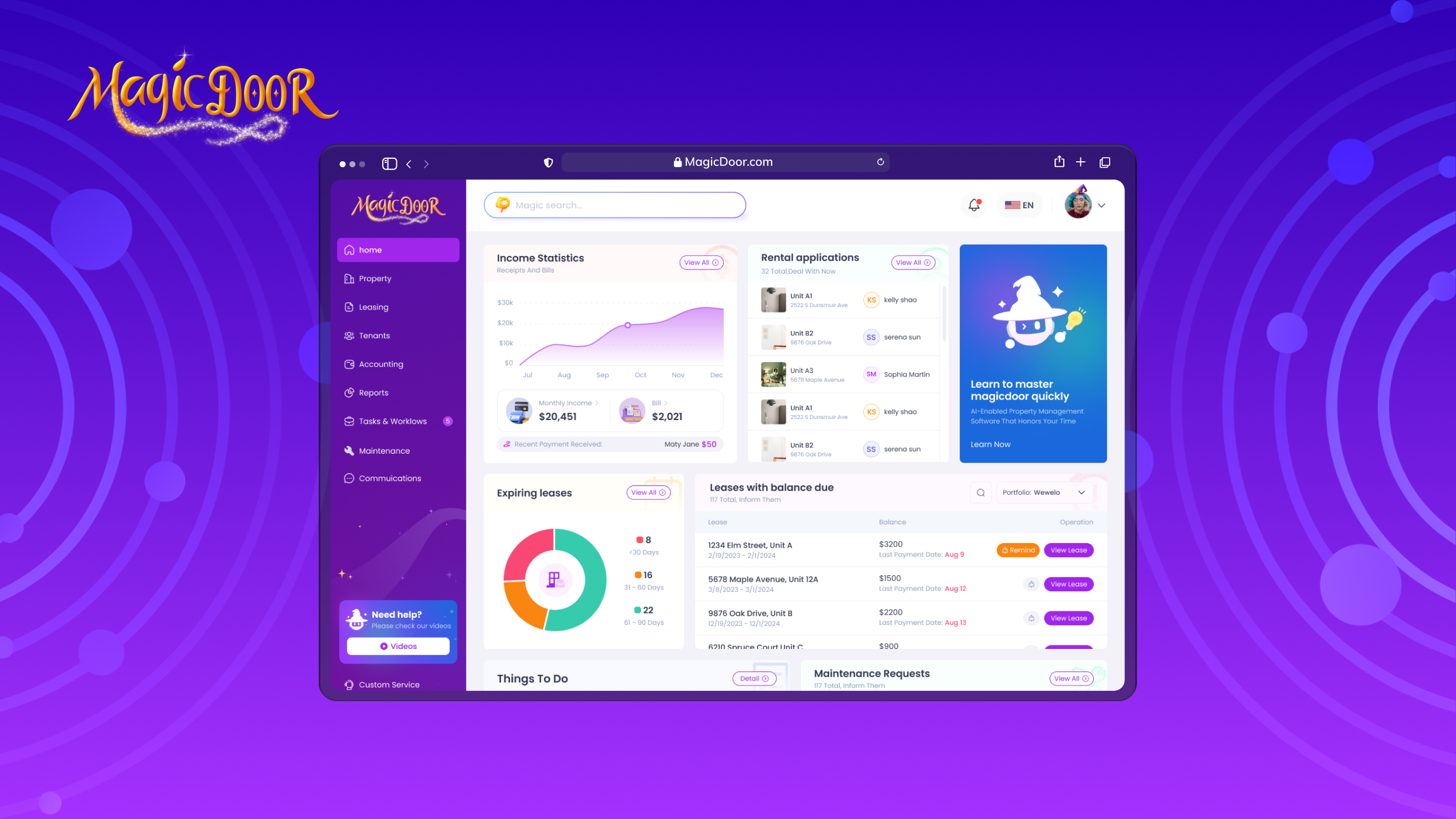
| MagicDoor | Property managers and landlords seeking integrated reconciliation and accounting | All portfolio sizes | Automated rental income logging, accurate expense categorization, real-time cash flow visibility, lease management, tax reporting (Schedule E, P&L, 1099), integrated reconciliation workflows | May include broader property tools beyond basic reconciliation needs | Free (up to 10 leases), Advanced $25/mo, Pro $225/mo |
| AppFolio | Mid-size to large management companies | 50+ units | Built-in accounting, CAM reconciliation, automated reporting, scalable infrastructure | Higher pricing threshold, onboarding time required | Not disclosed |
| Buildium | Small to mid-size landlords and managers | 20–2,000 units | Rent tracking, bank reconciliation, expense categorization, tax-ready reporting, and lease management | Advanced accounting requires higher-tier plans | Essential $62/mo, Growth $192/mo, Premium $400/mo |
| Yardi Breeze | Managers seeking structured financial reporting | Small to mid-size portfolios | Tenant ledger management, CAM tracking, financial reporting, tax documentation tools | Add-ons increase cost and setup time required | Per-unit pricing, minimum applies |
| QuickBooks + Add-ons | Independent landlords familiar with bookkeeping software | Small portfolios | Strong bookkeeping foundation, tax reporting, and broad integrations | Requires add-ons for reconciliation and lease tracking, not all-in-one property management software | $38–$275/mo depending on plan |
| Rentec Direct | Small to mid-size property managers | 10–5,000 units | Automated ledger updates, financial reporting, tenant portals, and reconciliation tools | Interface may feel dated, and advanced workflows require setup | Starts at $45/mo (up to 25 units) |
| Re-Leased | Commercial property managers | Mid-size to large commercial portfolios | CAM reconciliation, pro-rata expense allocation, lease tracking, and accounting integrations | More complex than needed for small residential portfolios | Not disclosed |
1- MagicDoor
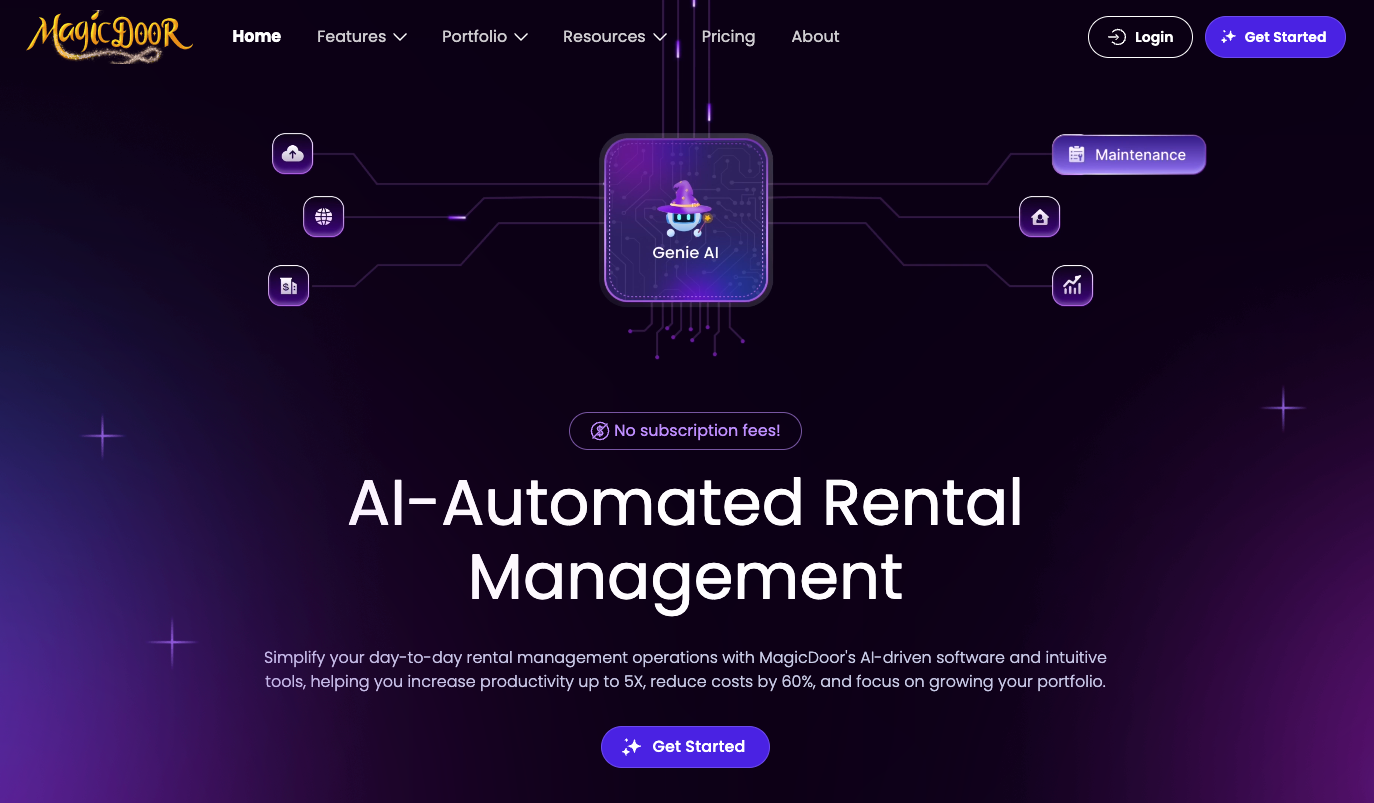
MagicDoor combines rent reconciliation, accounting, and lease management software into one platform. It’s designed for property managers who want financial tracking connected directly to daily operations.
Who it’s for: Property managers and landlords seeking integrated reconciliation and accounting.
Portfolio size: All portfolio sizes, scalable as units grow.
Pros:
- Automatically logs rental income
- Categorizes expenses accurately and provides real-time cash flow visibility
- Supports lease agreement management, security deposits, and automated late fees.
- Generates Schedule E reports, profit and loss statements, and 1099 forms.
- Helps reduce posting errors through integrated reconciliation workflows.
Cons: May include broader property tools beyond basic reconciliation needs.
Pricing:
- Free: up to 10 leases
- Advanced: $25/mo
- Pro: $225/mo
2- AppFolio

AppFolio is widely used by larger property management firms that require strong accounting controls and reporting depth.
Who it’s for: Mid-size to large management companies.
Portfolio size: 50+ units.
Pros:
- Built-in accounting
- CAM reconciliation support
- Automated reporting and scalable infrastructure
- Handles high transaction volume efficiently.
Cons: Higher pricing threshold; onboarding can require setup time.
Pricing: Not disclosed on the website
3- Buildium

Buildium offers accounting-focused property tools suited for growing portfolios.
Who it’s for: Small to mid-size landlords and property managers.
Portfolio size: 20–2,000 units.
Pros:
- Rent tracking
- Bank reconciliation
- Expense categorization
- Tax-ready reporting
- Lease management features
Cons: Advanced accounting tools may require higher-tier plans. Interface can feel dense initially.
Pricing:
- Essential: $62/mo
- Growth: $192/mo
- Premium: $400/mo
4- Yardi Breeze

Yardi Breeze provides accounting and reconciliation tools backed by enterprise software experience.
Who it’s for: Property managers seeking structured financial reporting.
Portfolio size: Small to mid-size portfolios.
Pros:
- Tenant ledger management
- CAM tracking
- Financial reporting
- Tax documentation tools
Cons: Add-ons increase cost; setup may take time.
Pricing: It depends on the property type; a monthly per-unit pricing model with a minimum number applies.
5- QuickBooks with Property Add-ons

QuickBooks serves as a bookkeeping base, with property-specific add-ons layered on top.
Who it’s for: Independent landlords familiar with accounting software.
Portfolio size: Small portfolios.
Pros:
- Strong bookkeeping foundation
- Tax reporting tools
- Broad integrations
Cons:
- Requires add-ons for lease tracking and rent reconciliation
- Setup can be manual
- Not all-in-one property management software
Pricing:
- Simple start: $38/mo
- Essentials: $75/mo
- Plus: $115/mo
- Advanced: $275/mo
6- Rentec Direct
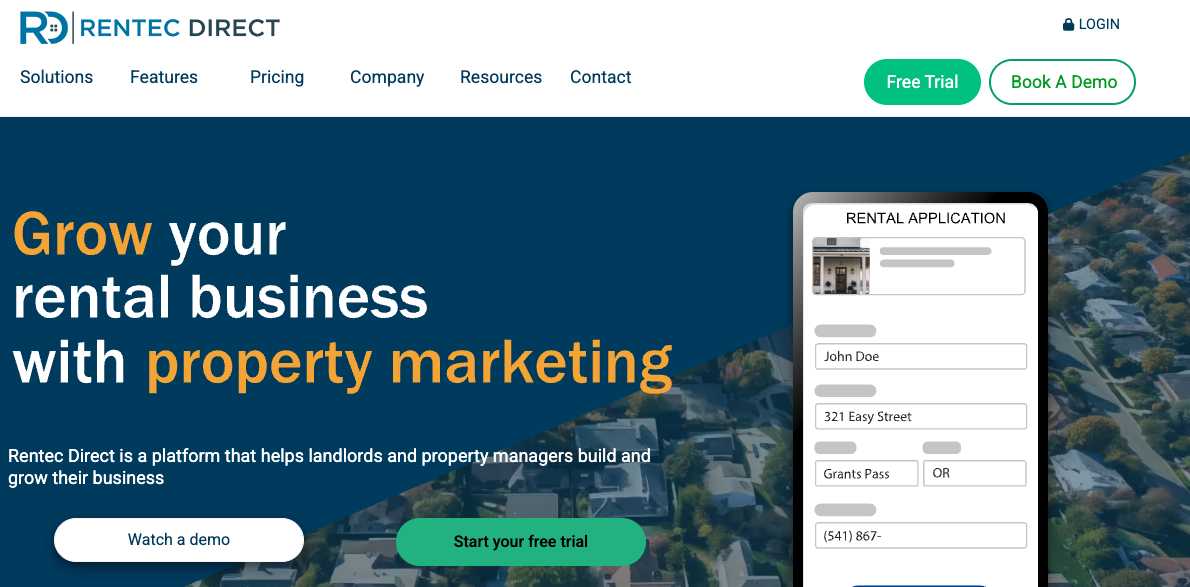
Rentec Direct focuses on practical accounting and rent tracking for mid-size portfolios.
Who it’s for: Small to mid-size property managers.
Portfolio size: 10–5,000 units.
Pros:
- Automated ledger updates
- Financial reporting
- Tenant portals and reconciliation tools
Cons:
- The interface may feel dated
- Advanced workflows require configuration
Pricing: Depends on portfolio size, starting at $45/mo for up to 25 units
7- Re-Leased

Re-Leased specializes in commercial property management software and complex lease structures.
Who it’s for: Commercial property managers handling detailed lease agreements.
Portfolio size: Mid-size to large commercial portfolios.
Pros:
- CAM reconciliation
- Pro-rata expense allocation
- Strong lease tracking
- Accounting integrations
Cons: More complex than necessary for small residential landlords.
Pricing: Not disclosed on the website.
When to Use Manual Rent Reconciliation vs Property Management Software
| Criteria | Manual Rent Reconciliation | Property Management Software |
|---|---|---|
| Best for | Landlords with very small portfolios | Property managers and growing landlords |
| Portfolio size | 1–10 units | 10+ units or scaling portfolios |
| Process | Match rent rolls to bank deposits manually | Automated matching of rent, ledgers, and bank feeds |
| Time investment | High, requires manual review each month | Lower, system logs and categorizes transactions automatically |
| Error risk | Higher risk of typos and missed payments | Reduced errors through automation and system controls |
| Tax preparation | Manual categorization required | Generates Schedule E, P&L, and 1099 reports |
| CAM reconciliation | Manual calculations and lease review | Organized tracking of shared expenses and allocations |
| Scalability | Difficult as transaction volume increases | Handles high transaction volume without added headcount |
| Cost | No subscription cost, high time cost | Monthly subscription cost, lower labor cost |
Manual rent reconciliation can work, but only at a very small scale.
If you manage a few units and collect a limited number of payments each month, reviewing rent rolls against bank deposits in a spreadsheet may be manageable. The trade-off is time. Every payment must be matched manually. Every error must be found manually.
As transaction volume increases, manual tracking becomes risky. Duplicate entries, missed rent, and incorrect categorization start affecting cash flow reports and tax preparation.
Property management software becomes necessary when complexity increases.
Good landlord accounting software automatically logs rental income, categorizes expenses, and provides real-time visibility into cash flow. Accurate categorization helps landlords avoid losing between $600 and $1,200 annually in missed deductions.
Software is also critical when lease agreements include late fees, security deposits, or CAM charges. CAM reconciliation requires reviewing shared expenses and confirming they match lease terms. Clear records reduce disputes and support audit reviews.
If you manage growth, prepare Schedule E filings, or issue 1099 forms, automation saves time and reduces the need for later corrections.
Manual reconciliation fits small portfolios. Software fits scale, reporting accuracy, and long-term control.
Monthly Rent Reconciliation Checklist
Monthly rent reconciliation helps keep financial records accurate and prevents small errors from becoming larger reporting issues. A structured checklist helps property managers and landlords close each month with confidence and maintain financial integrity.
Use the following checklist every month:
- Confirm total rent charges match the lease agreements
- Verify all rent payments are posted to tenant ledgers
- Match tenant ledger balances to the rent roll
- Reconcile recorded payments with bank deposits
- Review late fees and security deposit entries
- Identify partial, bounced, or duplicate payments
- Confirm expense categorization is accurate
- Review CAM charges against lease terms (if applicable)
- Document adjustments and maintain audit records
- Run a preliminary profit and loss review
Each step protects reporting accuracy.
Confirming rent charges ensures lease agreements are reflected correctly before reviewing collections. Matching ledgers to the rent roll prevents internal discrepancies. Comparing payments to bank deposits verifies actual cash movement.
Expense categorization matters more than many expect.
Accurate categorization helps landlords avoid losing between $600 and $1,200 in unclaimed tax deductions each year. Misclassification of capital expenditure as an operating cost can invalidate reconciliation and distort reports.
For commercial properties, CAM reconciliation requires reviewing shared expenses and confirming tenants pay their pro-rata share. Landlords should provide an itemized breakdown when issuing annual reconciliation statements, and tenants may request supporting documentation if discrepancies appear.
Landlord accounting software often includes tools to manage lease agreements, track security deposits, and automatically apply late fees. Many systems also generate Schedule E reports, profit and loss statements, and 1099 forms, making month-end reconciliation directly support tax preparation.
A consistent monthly checklist keeps records clean, reduces disputes, and prepares financial reports before they become urgent.
Conclusion
Rent reconciliation protects revenue accuracy, supports tax preparation, and reduces disputes with tenants. When lease charges, recorded payments, and bank deposits align, financial reports become reliable and defensible.
Consistent reconciliation helps property managers:
- Confirm rental income reflects actual deposits
- Prevent duplicate or missed postings
- Support Schedule E and 1099 tax reporting
- Prepare accurate profit and loss statements
- Reduce disputes tied to CAM charges
- Maintain documentation for audit reviews
For commercial properties, CAM reconciliation adds another layer of responsibility. Landlords issue annual reconciliation statements detailing shared expenses such as maintenance tracking, property taxes, and insurance. Tenants review those statements against lease terms and may request supporting documentation if discrepancies appear. Clear records reduce conflict and protect credibility.
If reconciliation still depends on spreadsheets and manual matching, growth will increase pressure.
Tools like MagicDoor integrate rent tracking, accounting, and reporting into a single system, helping property managers maintain accurate records without increasing their workload.